Text
Use bold, italics, underline and strikethrough. Change the size, font, text color or highlight and align left, center, right or justified. Make numbered lists, bullet lists or checklists. Select text for quick formatting.

Make cute notes, keep a journal and plan your week in notebooks that feel like yours. Pick your paper, mix fonts and put that last sticker exactly where you want it.
01 · THE PENCIL CASE
Open any of the six groups at the bottom. Each keeps its tools together and your note in view.
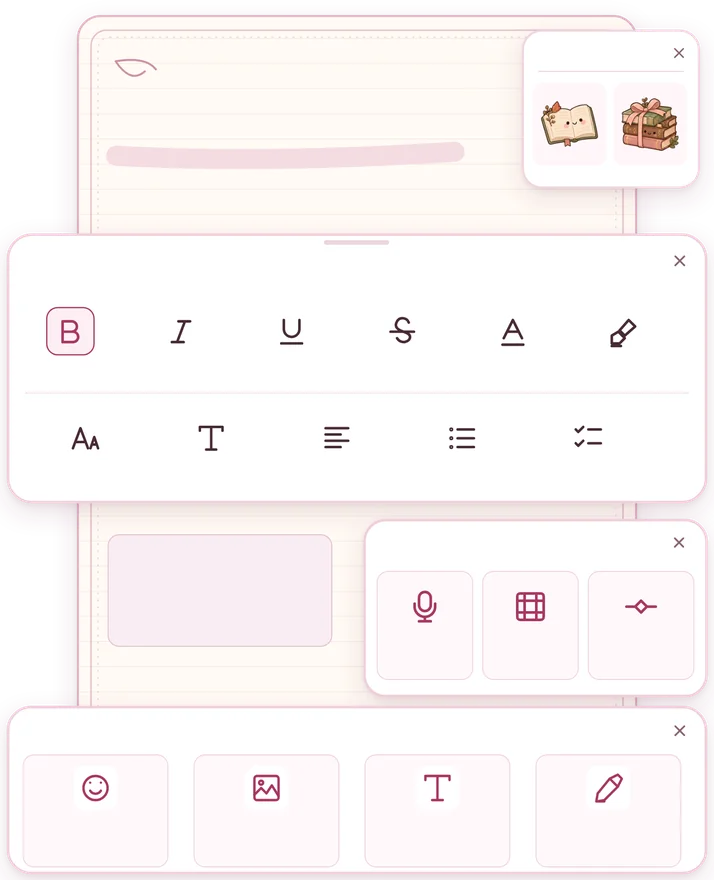
Use bold, italics, underline and strikethrough. Change the size, font, text color or highlight and align left, center, right or justified. Make numbered lists, bullet lists or checklists. Select text for quick formatting.
Put emojis and decorative symbols inline with your text. Collections add illustrated emoji for headings, phrases and lists.
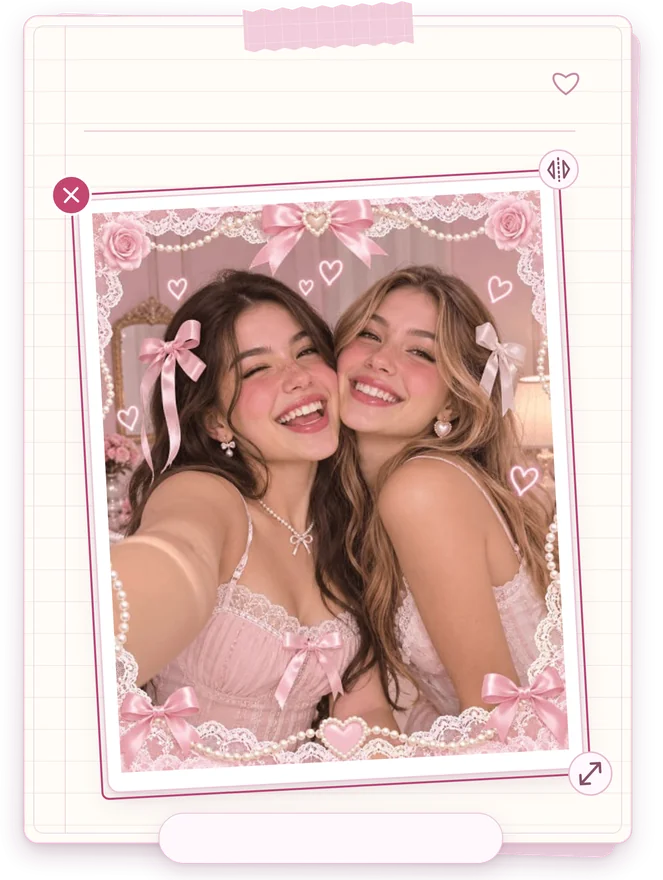
Take a photo or choose one from your gallery. Tap an inserted image to adjust its size, corners, frame or caption.
Pick a sticker from the catalog and place it on the page. Drag, rotate or resize it to build your layout.
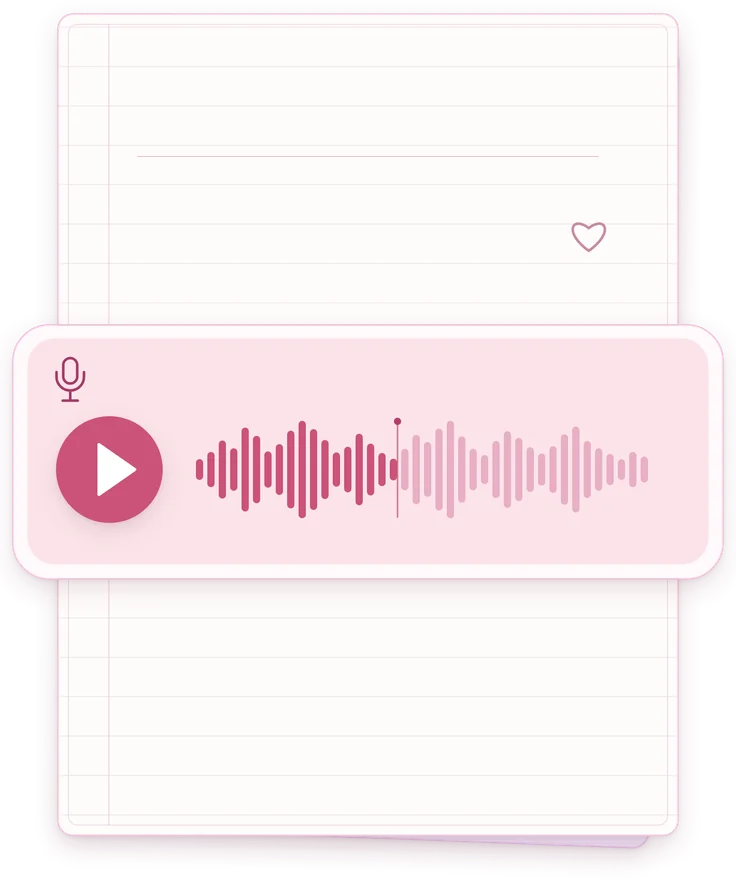
Record and play audio in the note, insert dividers and make decorative blocks for quotes, headings and callouts. You can restyle a block later.
Pick a background, font and mood emoji for the note. Open the canvas to sketch with freehand strokes, straight lines, a marker and an eraser.
02 · THE BOOKSHELF
Sort your notes into notebooks, change their covers and find a page with search or favorites. Set a PIN for notes and notebooks. You can recover deleted notes from the trash.
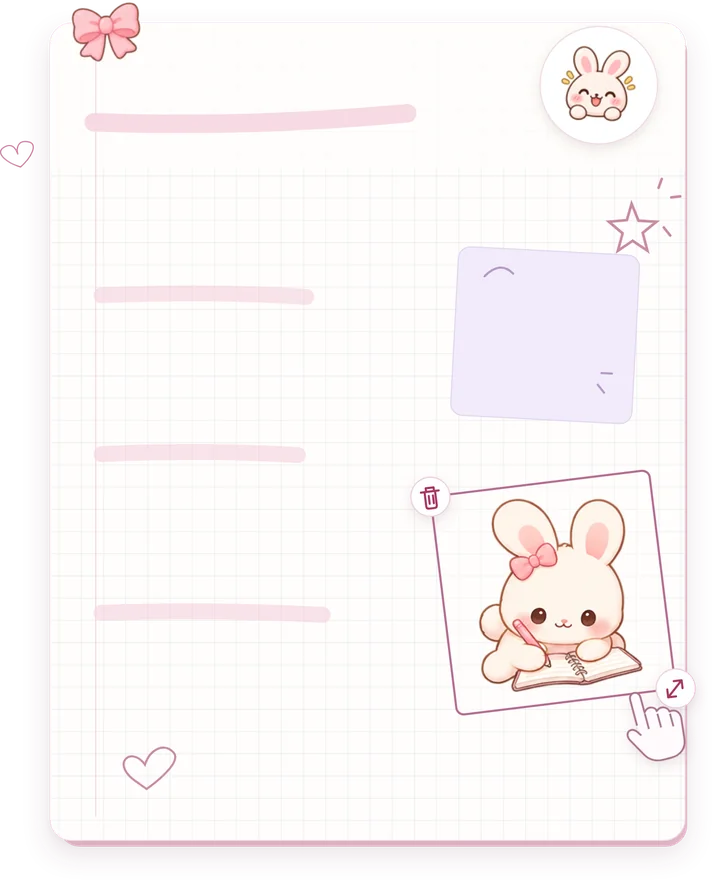
Keep memories, dreams or reading notes with photos, voice recordings, doodles and a mood emoji.
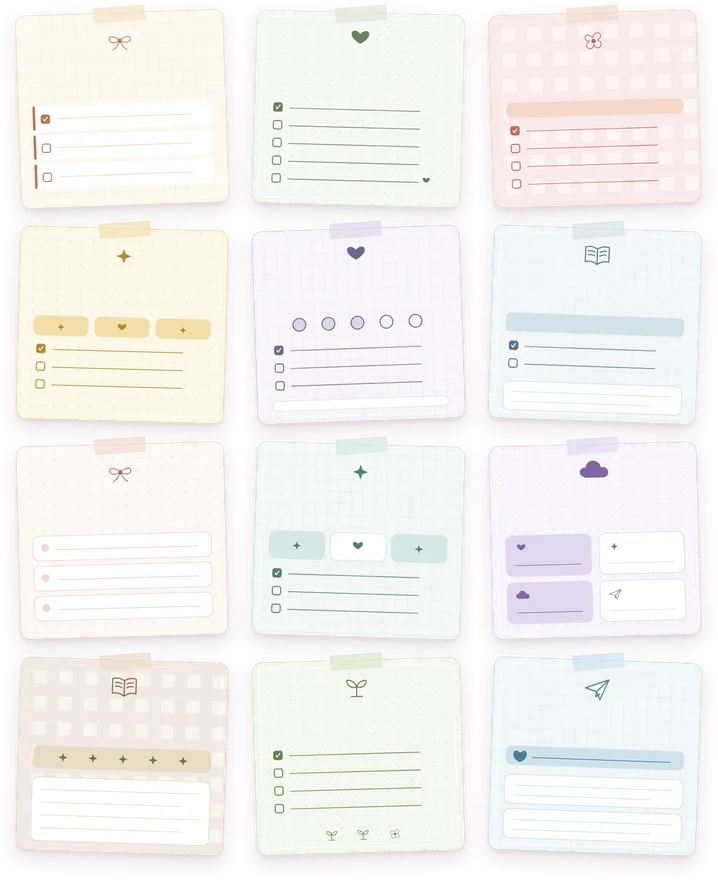
Start with a habit, study or planner template. Show progress, move completed tasks to the bottom and create recurring checklists.
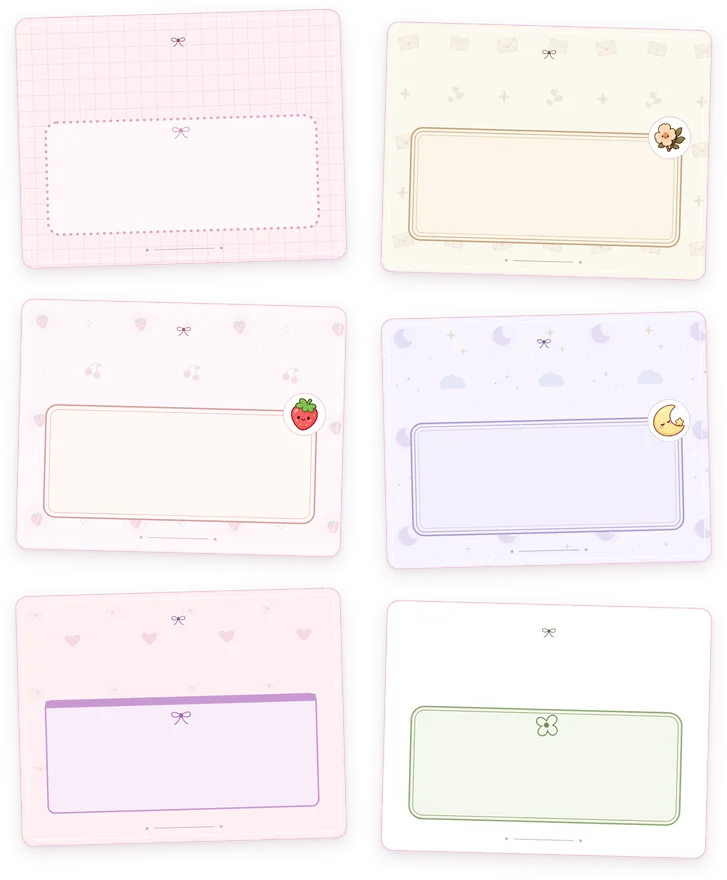
Design cover pages, study sheets and pages for presenting ideas. Pro lets you export them as images or A4 PDFs to share or bring into a presentation.
03 · THE PAPER
Mix paper, lettering and decorative blocks. Pink and lace suit a coquette journal. For a cutegore look, pair a dark background with stars, hearts and handwriting.
04 · THE STICKER DRAWER
Each collection comes with 20 stickers, 30 illustrated emojis, 5 moods, 2 decorative frames, 2 fonts and 1 paper background. Get an individual pack or access them all with Coquette Pro.
Strawberries, cherries and pastries for recipes and lists.
Strawberry paper · strawberry and patisserie framesBunnies, bears, kittens and pandas for a kawaii journal.
Paw-print paper · bunny and panda framesBooks, letters and pressed flowers for study notes.
Letter paper · petal and letter framesMoons, clouds and stars for writing before bed.
Moon paper · moon and star framesMy little notebook
✓ Ideas I want to keep
□ One memory for today

Interactive example
05 · HOME SCREEN
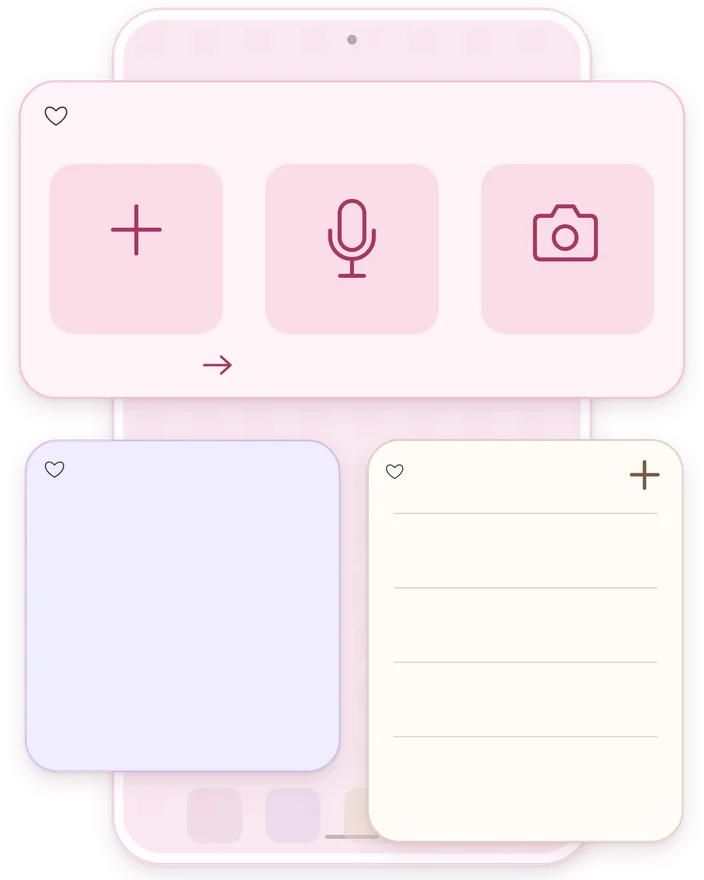
Keep a note in sight or capture an idea from your home screen. Choose Coquette, Pink, Pastel, Minimal or Dark. Protected notes keep their contents hidden.

06 · COQUETTE PRO
Write unlimited notes and use notebooks, templates, drawing and PIN protection for free. Coquette Pro expands the catalog and unlocks the design studio.
Access all current and future packs while subscribed, including their stickers, emojis, moods, fonts, backgrounds and frames.
Use premium papers or create a background with your own photo. Set the fit, position and opacity of the photo. Add a color overlay with its own opacity to keep text readable.
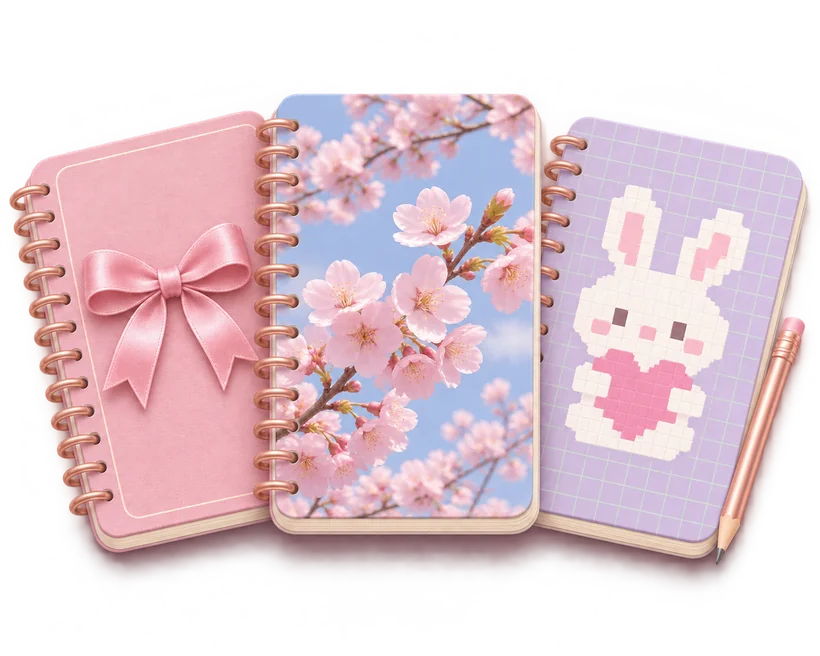
Create your own notebooks and design their covers using gallery photos or pixel art. Preset covers are also available. Crop, zoom or show the full photo on a cover. The pixel-art editor has a pencil, eraser, fill, grid and custom colors.
Share PNGs as 9:16 stories, 4:5 posts, 1:1 squares, 2:3 pins or full-page images. A4 PDF export paginates long notes.
Use the app and the included premium resources without ads while subscribed.
07 · FAQ
It’s a free customizable notepad for Android, iPhone and iPad. Use it as a digital notebook, journal, planner or list app with photos, audio, drawings and rich text.
Yes. Notes are automatically saved on your device. You can write and read saved notes offline. Purchases and purchase restoration require store access.
It has six groups: Text, Emojis, Photos, Stickers, Add and Style. It supports rich formatting, smart checklists, recordings, drawings, photos, backgrounds, fonts and frames.
Design each page as a note and export it with Coquette Pro as a PNG or A4 PDF. You can use the pages in a presentation, share them individually or print the PDF.
Android has three widgets: Quick Capture for text, audio or photos, Pinned Note for one note, and Notes List for recent notes, favorites or a notebook.
Buy Sweet Bites, Animalitos, Soft Academia or Dreamy Nights individually, or unlock them all with Coquette Pro. Individual purchases remain accessible if you cancel Pro.
You keep your notes, text, photos and audio. Some premium styles may temporarily switch to their free appearance. Turn off renewal in your store and keep access until the paid period ends.
Make a pink coquette journal with bows and lace, a kawaii animal planner, a Soft Academia study notebook, or cutegore pages that mix dark colors with cute details.
Open a note, choose a paper and write down the first thing that comes to mind.
Available features can vary by platform and installed version.


